


FAQ
Questions from
medical professionals
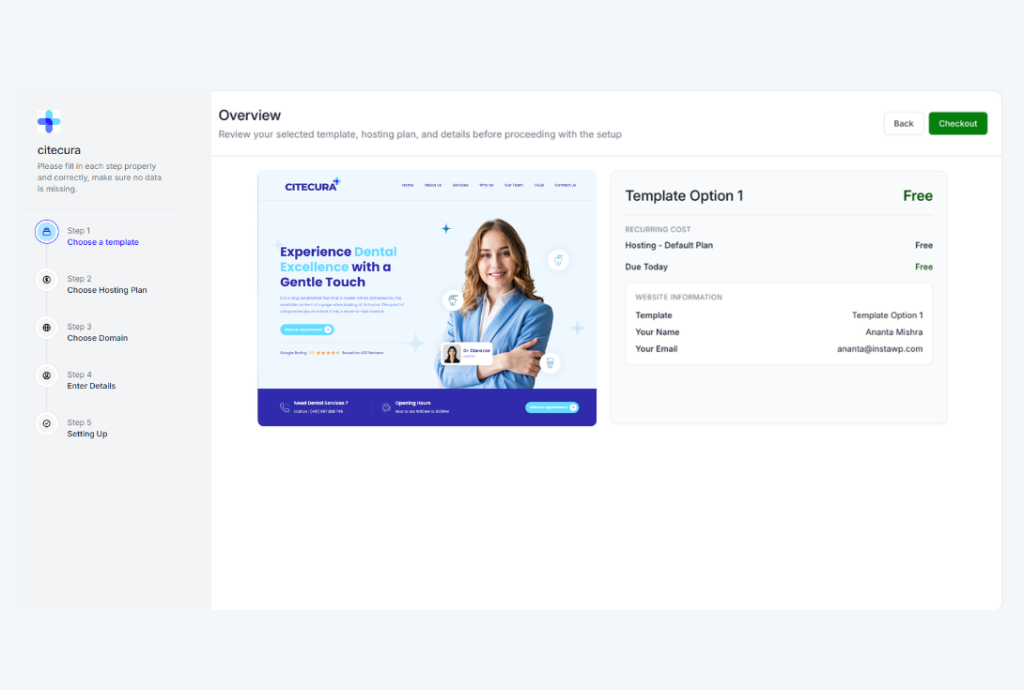
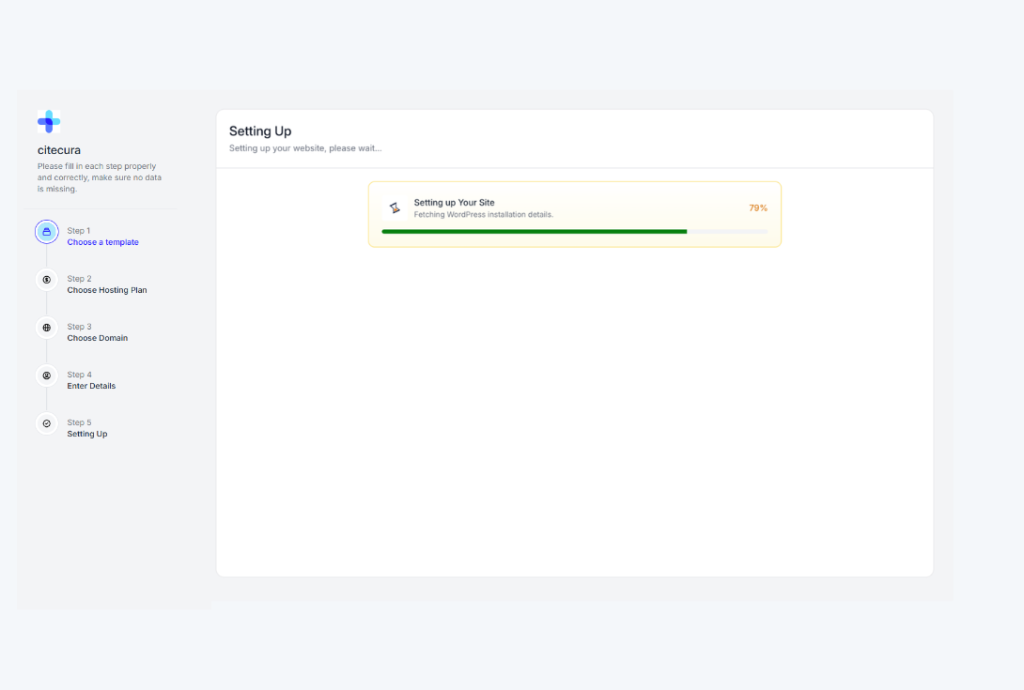
Your CiteCura website goes live in under 60 seconds. Choose your specialty, enter your clinic name, and your subdomain (yourname.citecura.com) is immediately active with a pre-configured WordPress installation, 5–7 pre-built pages, and your specialty template loaded.
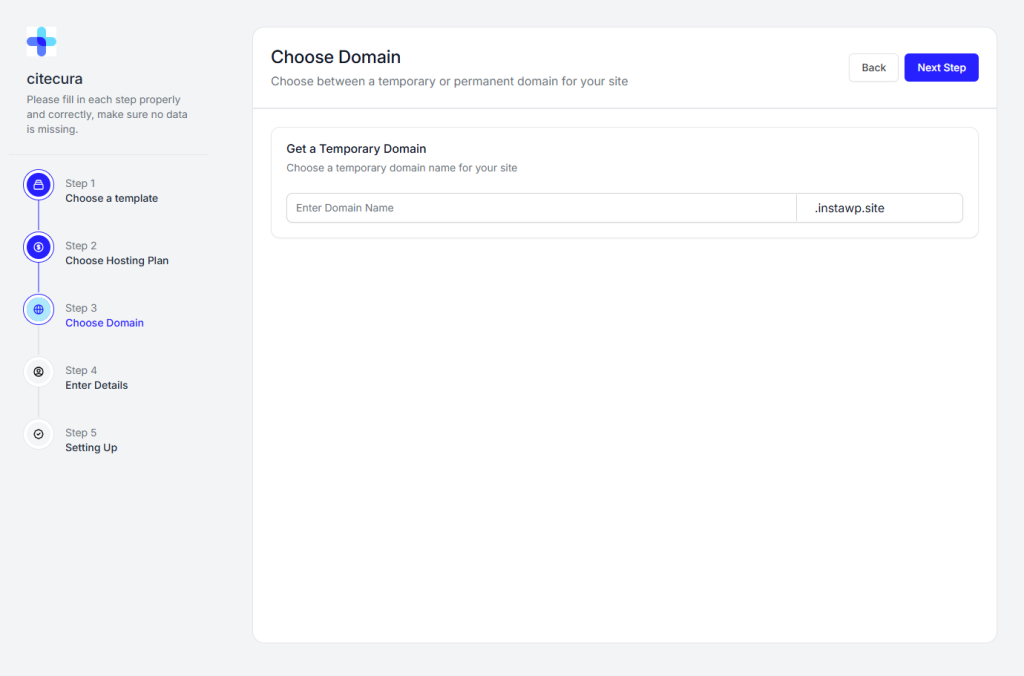
Yes. Every plan includes a free subdomain at yourname.citecura.com. You can also connect a custom domain (e.g., drtanorthopedics.com) as a paid add-on. Our team handles the DNS configuration for you — no technical knowledge needed.
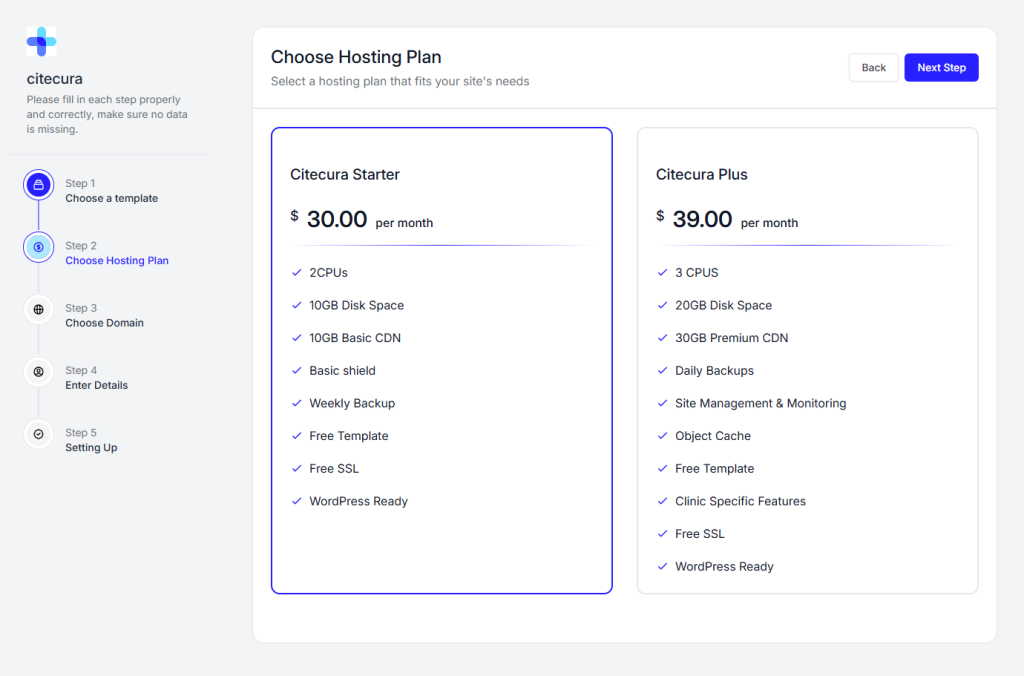
Absolutely. You can upgrade at any time from your dashboard. Your site, content, and customizations are fully preserved. The upgrade takes effect immediately with no downtime — your daily backups, object cache, and clinic-specific features activate the moment you switch.
Yes. Both Starter and Plus plans include email support. CiteCura Plus additionally includes proactive site monitoring and management — our team watches your site’s performance, uptime, and security so you can focus on your patients.
No. WordPress comes pre-installed with a beginner-friendly setup. Your pages are already configured with your specialty’s content — you simply update your name, photo, contact details, and services. No coding, no plugins to configure, no hosting to manage.
Still have questions? Write to hello@citecura.com we will responds within 2 business hours.